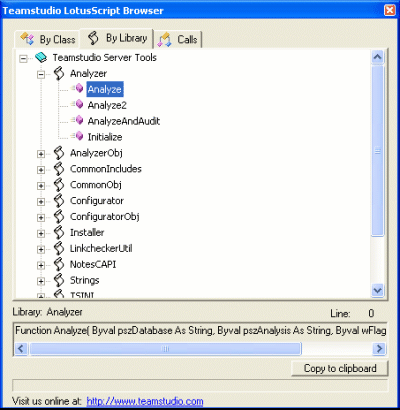
Teamstudio Script Browser shows:
– all classes and functions from the main tree, with 3 tabs to sort the code by script library, by class, or by call. Selecting something in the tree displays the properties of that function/class.
– the name of the script library in which the function is found.
– the line number on which the function is defined within the script library.
– how the function was declared, especially useful for when you simply want to know what parameters to pass to a function.
und das beste: das tool ist kostenlos!